


Any provider
Five adapters cover Anthropic Messages, Google Gemini, Azure, the OpenAI Responses passthrough, and every OpenAI-compatible Chat Completions endpoint — 40+ built-in providers.
opencodex is a local proxy that serves Codex and Claude Code from one port — translating each wire format to any provider, with streaming, tool calls, reasoning, and images in both directions. Zero client patches.
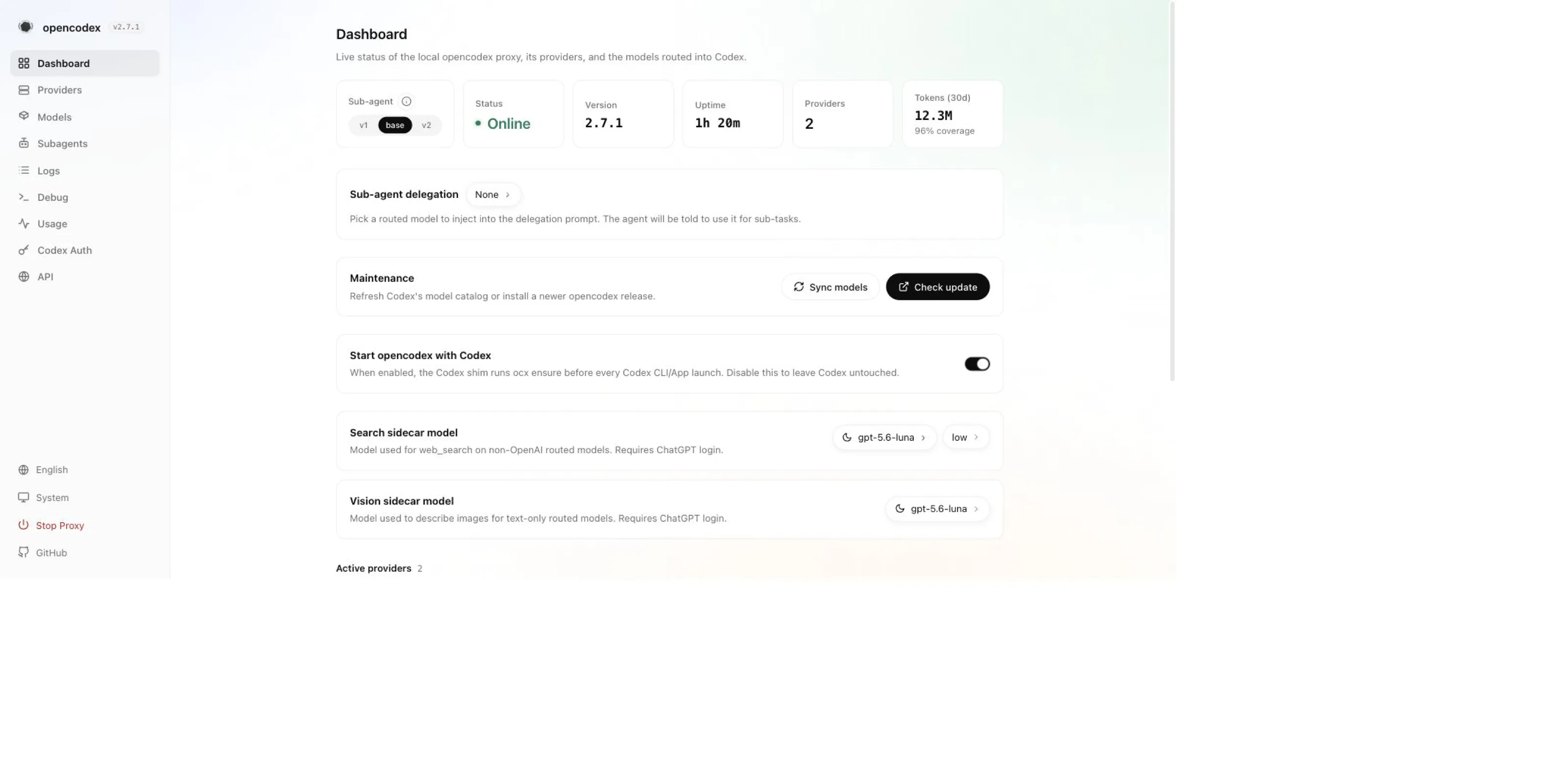
Install.
Start.
Codex, rerouted.
$ npm install -g @bitkyc08/opencodex # Install$ ocx start # Start the proxy

One task, streamed end to end through opencodex.
Five adapters cover Anthropic Messages, Google Gemini, Azure, the OpenAI Responses passthrough, and every OpenAI-compatible Chat Completions endpoint — 40+ built-in providers.
Log in with your xAI, Anthropic, or Kimi account — auto-refreshed — forward your ChatGPT login, or paste a key.
Existing threads keep their account; new sessions auto-route to the lowest-usage healthy one after quota refresh.
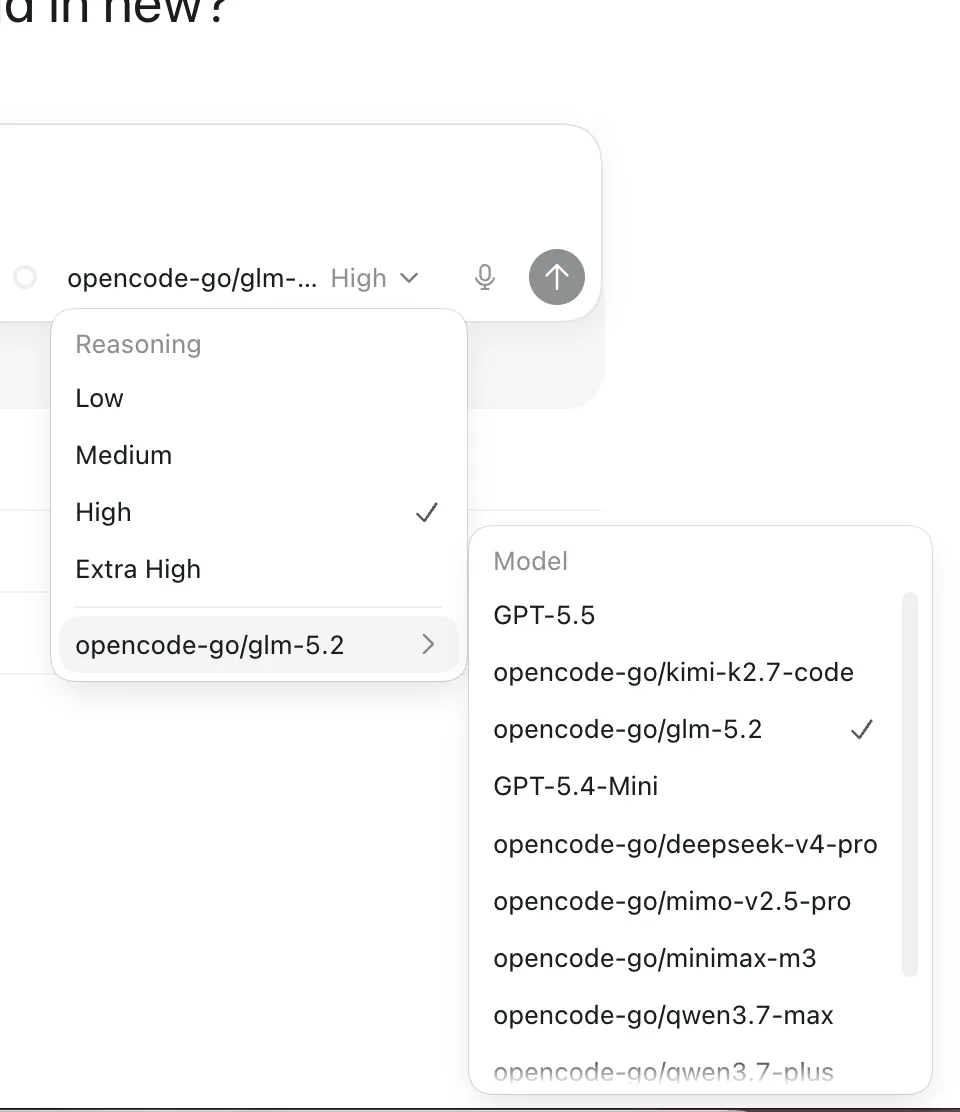
Routed models show up in Codex App with reasoning effort levels, next to the native ones.
Pin up to five routed or native models for Codex spawn_agent, and switch the v1 / base / v2 surface globally.
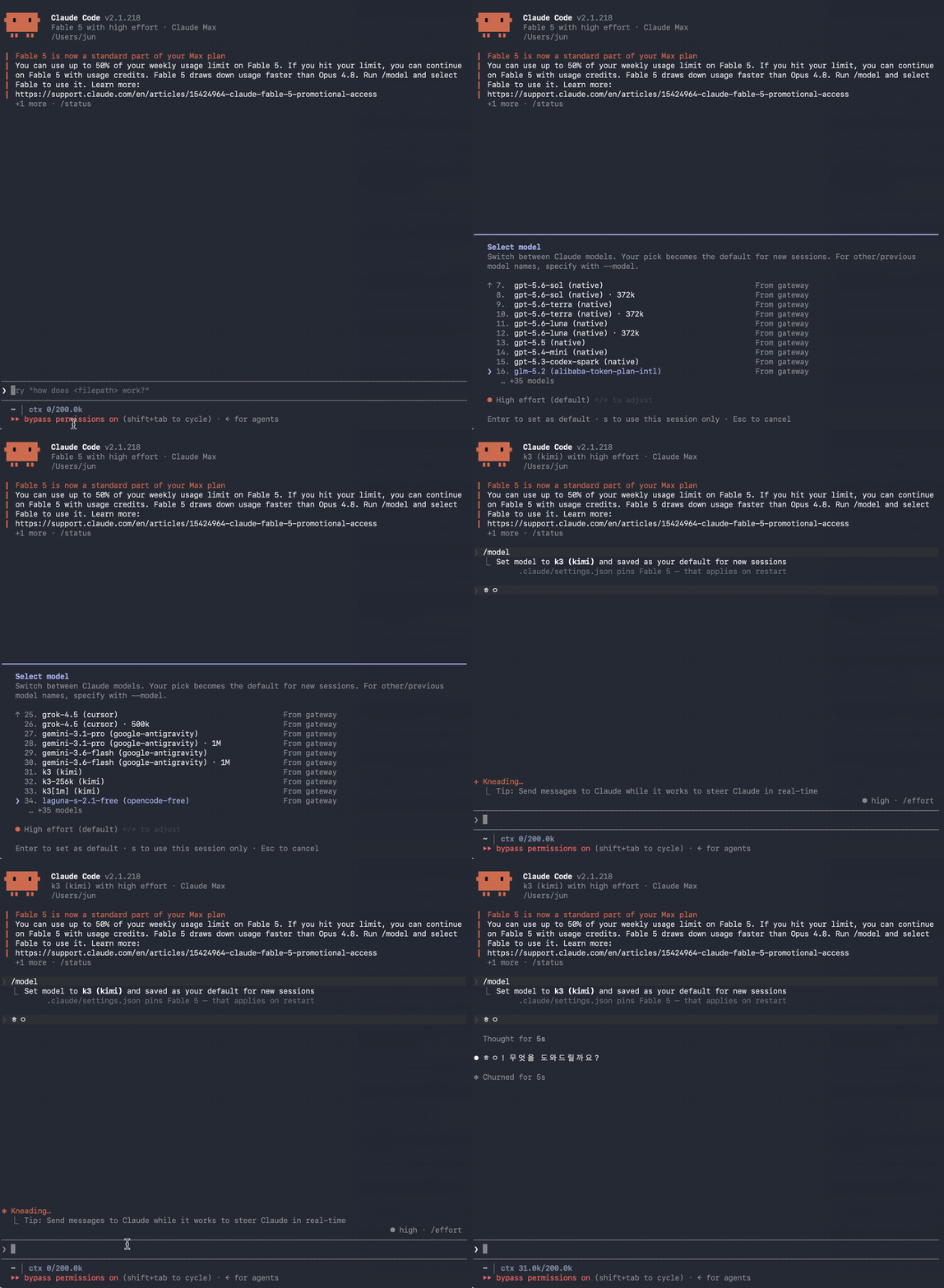
ocx claude launches Claude Code against the same port — every routed model in the /model picker, auto-context up to 1M, roster sub-agents, and your claude.ai login stays active.
Give non-OpenAI models real web search and image understanding through a gpt-5.6-luna sidecar.
ocx init writes a provider into your Codex config and shares one model catalog with Codex CLI, TUI, App, and SDK. ocx stop restores native Codex cleanly.
$ npm install -g @bitkyc08/opencodex # Install$ ocx init # Inject a provider into Codex$ ocx start # Start the proxy$ codex "Write a hello world in Rust" # Codex now routes through ocx
opencodex is an independent community project, not affiliated with or endorsed by OpenAI, Anthropic, or any other provider. Some providers may restrict accounts that route traffic through third-party proxies — review each provider’s Terms of Service before connecting.